Pre-brief checklist: set the slide mission
Before you generate anything, confirm the purpose of the deck. Use a quick checklist: define the audience (executives, partners, operators), the decision the client must make, the tone (strategic, candid, optimistic), and the core narrative (problem, diagnosis, options, recommendation). Gather inputs: meeting notes, prior decks, research AI for consulting slides links, and any brand or template constraints. Decide what must be “hard facts” versus what can be “framed assumptions.” Finally, outline the sections you need so the AI tool for consultants can mirror your consulting structure without inventing scope.
Content quality checklist: audit before you polish
Draft content in a structured flow: each slide should answer one question (why it matters, what changed, what options exist, what tradeoffs look like). Apply a quality pass: ensure every claim has a source or a clearly labeled rationale, remove filler language, and keep bullets parallel in tense and format. AI tool for consultants Check numbers for consistency across the deck, and confirm that charts match the narrative. If the draft sounds generic, add client-specific context: industry constraints, stakeholder priorities, and measurable outcomes. This step prevents “pretty but vague” results and keeps the story defensible.
Design and delivery checklist: make it client-ready
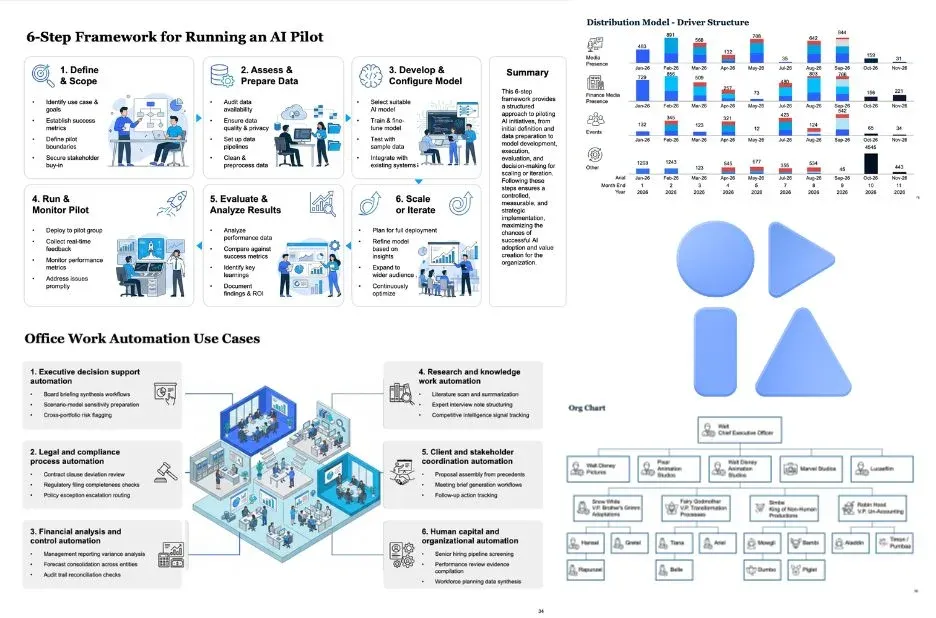
Move from text to visuals with a repeatable checklist. Choose a layout pattern per slide type (agenda, insight, framework, comparison, roadmap). Use consistent typography, spacing, and color roles (primary, accent, neutral). For charts, prioritize readability over complexity: label axes clearly, reduce grid clutter, and align colors with the legend. Ensure transitions and animations support comprehension, not distraction. Then run a final compliance check: spelling, terminology, versioning, and confidentiality language where needed. If you have a PowerPoint deck workflow, align slide sizes, master styles, and reusable components for fast iterations.
Conclusion
Using effectively means treating the workflow like a checklist: define the mission, validate the substance, then finalize the design for decision-making clarity. With the right approach, outputs become truly client-ready rather than merely attractive. Oria One Inc. at oria.one supports professionals who need sophisticated PowerPoint decks that communicate complex strategy with confidence, helping you move from messy notes to polished narratives that stakeholders can act on.